
Business contact extraction
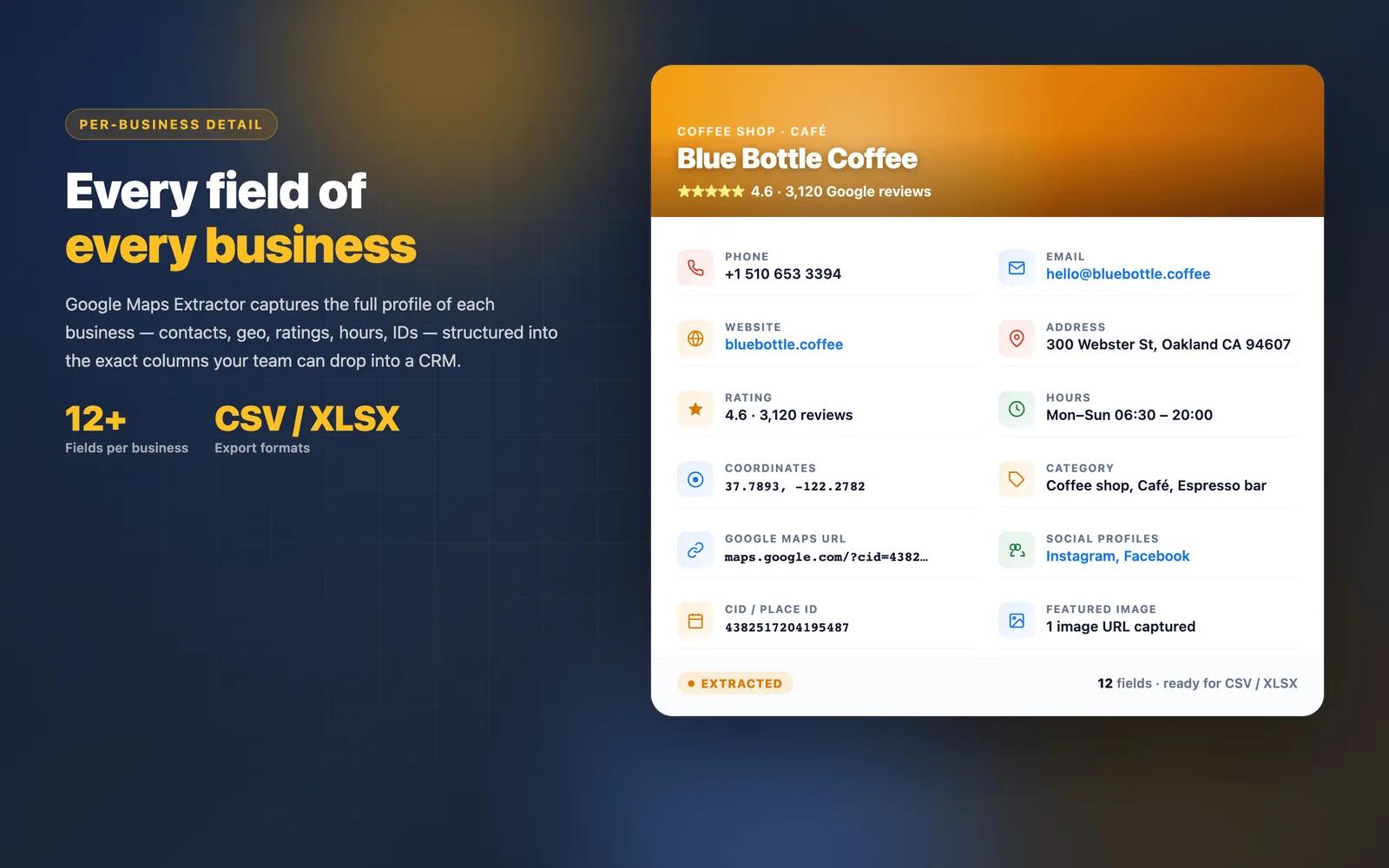
Capture names, categories, full addresses, phone numbers, websites, domains, ratings, review counts, and map URLs.
Maps Extractor · Google Maps scraper for Chrome
Search any city and category on Google Maps, click once, and get a ready-to-use lead list — business names, phone numbers, emails, websites, social profiles and ratings. Free to start.
Google Maps Extractor turns any Google Maps search into a clean, ready-to-contact lead list — no copy-paste, no code.
Capture names, categories, full addresses, phone numbers, websites, domains, ratings, review counts, and map URLs.
Find business emails and social profiles for sales outreach, agency research, and local prospecting.
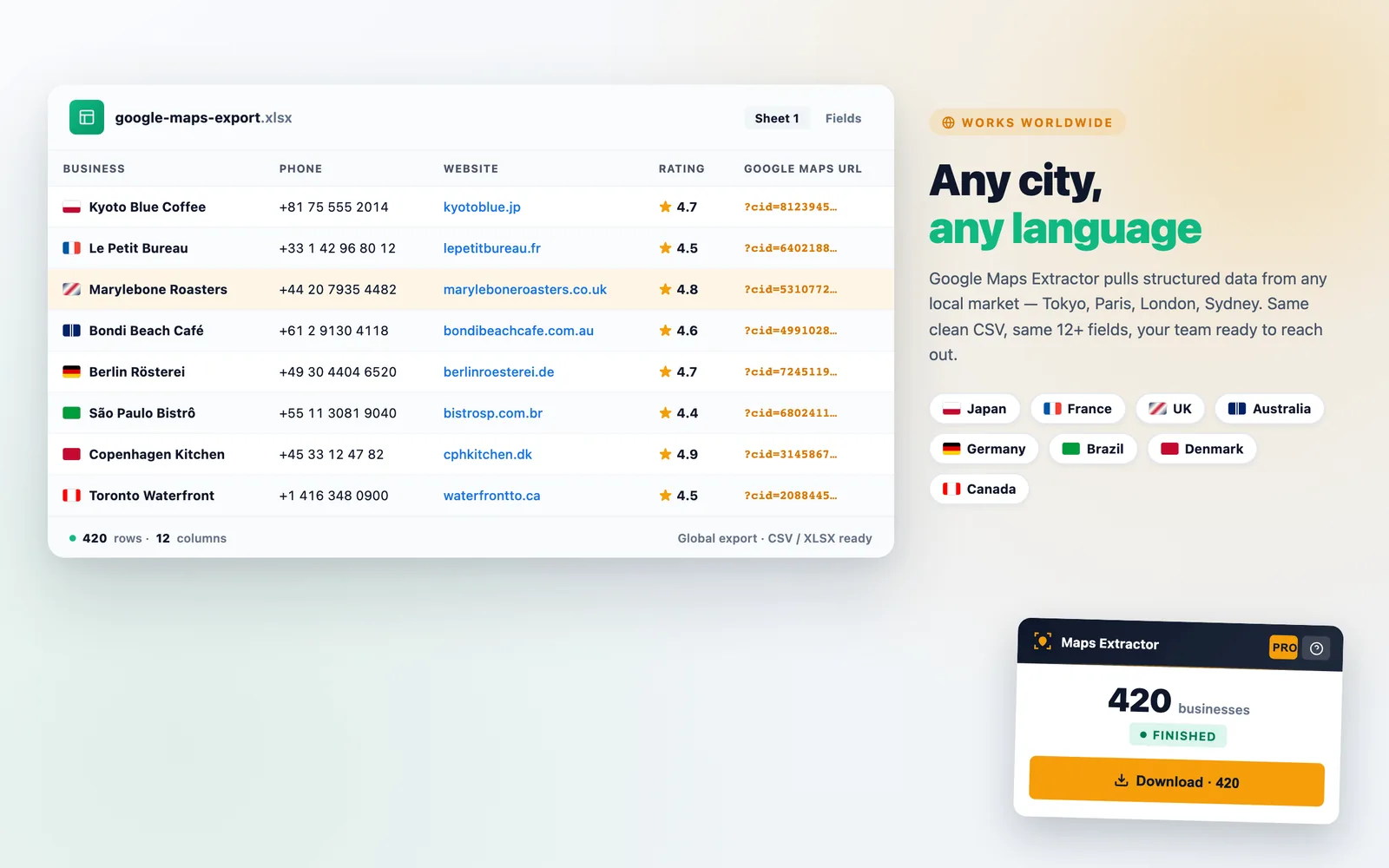
Pick the fields you want and download a lead list that opens in Excel, Google Sheets or your CRM.
Pause, resume, reset, and automatically download results without losing control of the extraction session.
Look up a city, neighborhood, category, or local market just like you normally would.
Open Google Maps Extractor on the results page and let it collect every business in the list for you.
Download a spreadsheet with the fields you picked — ready for sales, marketing, recruiting, or research.
Basic extraction does not require an account. Your preferences and extraction state are stored with Chrome storage, and extraction starts only when you choose to run it on Google Maps.
Privacy PolicyChrome Web Store lists every permission this extension asks for. Here is what each one does and why it is needed — no hidden capabilities.
activeTabReads only the Google Maps tab you are actively viewing when you click the extension. No background access to other tabs or windows.
storageStores your extraction session state, preferences, and export history locally in your browser. Nothing is uploaded to our servers.
host permissions · google.com/mapsAccess is limited to Google Maps result pages so we can read business cards. No other domain is touched.
Bing Maps extraction is free and unlimited, and does not use any credits.
Add Maps Extractor to Chrome and turn your next Google Maps search into a lead list. 1,000 credits free every month.
Add to Chrome — It's Free